Not every productivity challenge requires a complex project management platform. Sometimes what stands between a person and an organized workday is a reliable task manager that captures everything, organizes it sensibly, and gets out of the way. Todoist has occupied this space for over a decade, serving as a task management tool that bridges the gap between simple to-do lists and full-scale project management software. With over 40 million users, it has become one of the most widely adopted personal productivity tools in the market.
What keeps Todoist relevant in a landscape crowded with feature-rich project management platforms is its deliberate focus on task capture and organization rather than trying to be a comprehensive workspace. Todoist does not include built-in documents, whiteboards, or complex resource management. Instead, it focuses on making the fundamental act of recording, organizing, and completing tasks as frictionless as possible — whether for an individual managing personal responsibilities or a small team coordinating shared projects.
What Todoist Does
At its core, Todoist organizes tasks into Projects. Each Project can contain tasks and sub-projects, creating a hierarchical structure that mirrors how work is naturally categorized. A user might create Projects for “Work,” “Personal,” “Side Business,” and “Home Maintenance,” with sub-projects under each for more specific areas. Tasks within Projects can have due dates, priority levels, labels, assignees (on team plans), comments, and file attachments.
The platform operates across virtually every device and operating system: web browsers, Windows, macOS, Linux, iOS, Android, Apple Watch, and browser extensions for Chrome, Firefox, Safari, and Edge. A key strength is synchronization — tasks added on a phone appear instantly on the desktop application and vice versa. For people who capture tasks throughout the day across different devices, this cross-platform reliability matters significantly.
Todoist also integrates with email platforms, allowing users to forward emails as tasks. This addresses a common productivity problem: emails that require action getting buried in crowded inboxes. By converting action-requiring emails into Todoist tasks, users can process their inbox without worrying about losing track of commitments hidden within message threads.
Design Philosophy and Interface
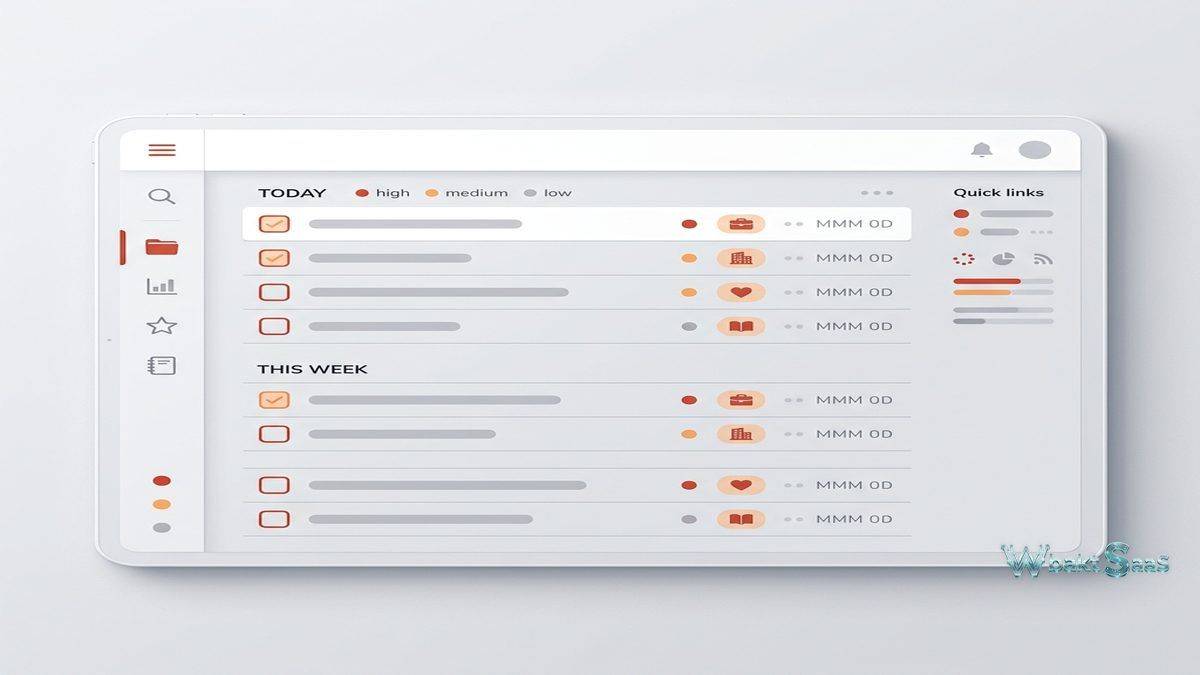
Todoist’s interface design follows a minimalist philosophy that prioritizes readability and fast interaction over visual complexity. The layout is clean and uncluttered: a left sidebar displays Projects, labels, and filters; the main area shows the selected task view; and individual task details expand inline or in a side panel. The visual simplicity is deliberate — Todoist aims to be a tool you check quickly and move on from, not an environment where you spend extended time configuring dashboards or customizing layouts.
Theme options allow some visual personalization, including several color themes and a dark mode that reduces eye strain during evening use. While the customization options are modest compared to platforms that offer extensive theming and layout configuration, the consistency of Todoist’s design ensures that the experience remains familiar across all platforms and devices. A user switching between the macOS desktop app, the Android phone app, and the web browser encounters the same clean interface with the same interaction patterns.
The Quick Add feature exemplifies Todoist’s design priorities. Accessible via keyboard shortcut from anywhere on the desktop (even when Todoist is not the active application), Quick Add opens a minimal input field that accepts natural language task entry. Users can capture a task thought without interrupting their current workflow — type the task, press enter, and continue working. This background capture capability distinguishes Todoist from tools that require navigating to the application, finding the right project, and clicking through input forms. The friction reduction is small per individual task, but across hundreds of tasks captured per month, the cumulative time savings are meaningful.
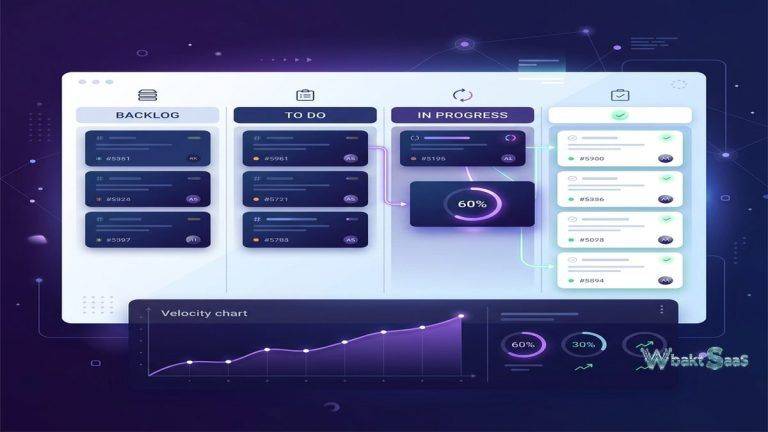
Todoist also offers board views for users who prefer Kanban-style visualization alongside the default list view. Sections within projects can be displayed as columns on a board, with tasks dragging between sections. This provides visual flexibility without requiring users to switch to a separate Kanban tool, though the board implementation is simpler than dedicated Kanban platforms with more advanced card customization.
Templates and Workflows
Todoist’s template system allows users to create reusable project structures for recurring workflows. A freelancer who follows the same steps for every client project — initial consultation, proposal, contract, project execution, delivery, invoicing — can create a template project with all those tasks pre-defined, then duplicate it for each new engagement. This saves setup time and ensures that standard processes are followed consistently.
The Todoist template gallery provides community and officially curated templates covering personal productivity systems, team workflows, student organization, event planning, and specialized processes. Users can import templates directly into their workspace and customize them to match their specific needs. Template categories include project management, marketing campaigns, product launches, personal habits, travel planning, and seasonal routines — providing starting points for users who are unsure how to structure their task organization.
Main Advantages
Natural Language Input
Todoist’s most distinctive feature is its natural language task input. Users can type “Submit quarterly report next Friday at 3pm #Work p1” and Todoist automatically parses the due date (next Friday at 3pm), assigns the task to the Work project (#Work), and sets priority to highest (p1). This natural language processing extends to recurring dates — “Water plants every 3 days,” “Team meeting every Monday at 10am,” or “Review budget last day of every month” all create correctly scheduled recurring tasks.
The practical impact of natural language input is significant for daily task capture. Rather than clicking through date pickers, project dropdowns, and priority selectors, users can dump tasks from their mind into the inbox rapidly. During a meeting, quickly typing “Follow up with Sarah about proposal by Thursday #Client-Projects” captures the task with full context in seconds. This speed of capture reduces the friction that causes many people to abandon task management tools — when adding a task takes too many steps, people revert to mental notes or scattered sticky notes.
Smart Scheduling and Filters
Todoist’s scheduling system goes beyond simple due dates. Tasks can have both due dates and start dates (on paid plans), allowing users to distinguish between when a task should begin and when it must be completed. Recurring dates support complex patterns — “every weekday,” “every first Monday,” “every 2 weeks starting Jan 15” — that automatically regenerate tasks on completion. Reminders can be set at specific times or as location-based triggers on mobile devices.
Filters provide powerful custom views of tasks across all Projects. Filter queries combine multiple criteria: due date ranges, priority levels, labels, assignees, project names, and keywords. A user might create a filter for “Today’s high-priority work tasks” (due: today & priority 1 & #Work) or “All tasks assigned to me due this week” (assigned to: me & due before: next Monday). Saved filters appear in the sidebar alongside Projects, creating personalized dashboards that surface exactly the tasks relevant to a particular context or timeframe.
The “Today” and “Upcoming” views provide default scheduling perspectives. Today shows all tasks due on the current date, serving as a daily action list. Upcoming displays tasks organized by date across the coming days and weeks, helping users anticipate workload and plan ahead. Both views aggregate tasks from all Projects, providing a unified planning interface regardless of how tasks are categorized.
Labels and Organization
Labels in Todoist serve as cross-cutting tags that work alongside the Project hierarchy. While Projects organize tasks by domain or area (Work, Personal, Side Project), labels categorize tasks by characteristics that span multiple domains. A label like “@calls” might tag phone call tasks in both Work and Personal projects. “@waiting” could mark tasks dependent on other people’s input regardless of project. “@quick” might identify tasks that take less than five minutes — useful for filling short gaps between meetings.
The combination of Projects, labels, priority levels, and filters creates a flexible organizational system that adapts to various productivity methodologies. Users implementing Getting Things Done (GTD) can use labels for contexts (@computer, @phone, @errands), Projects for areas of responsibility, and filters for context-based task views. Users preferring Eisenhower Matrix approaches can use priority levels for urgent/important categorization and filters to create the four-quadrant view. Todoist does not prescribe a methodology — it provides building blocks that support whatever organizational system the user prefers.

Team Features
While Todoist began as a personal productivity tool, it has expanded to support small team collaboration. Shared Projects allow multiple team members to view, add, and complete tasks within the same Project. Tasks can be assigned to specific team members with due dates and priorities, creating a lightweight shared task tracking system. Comments on tasks enable asynchronous discussion about specific work items, with file attachments for sharing relevant documents.
Activity logs track changes within shared Projects — who added, completed, or modified tasks — providing basic accountability and visibility into team progress. Sections within Projects allow tasks to be grouped by category, phase, or any other meaningful division, adding visual organization to shared workspaces.
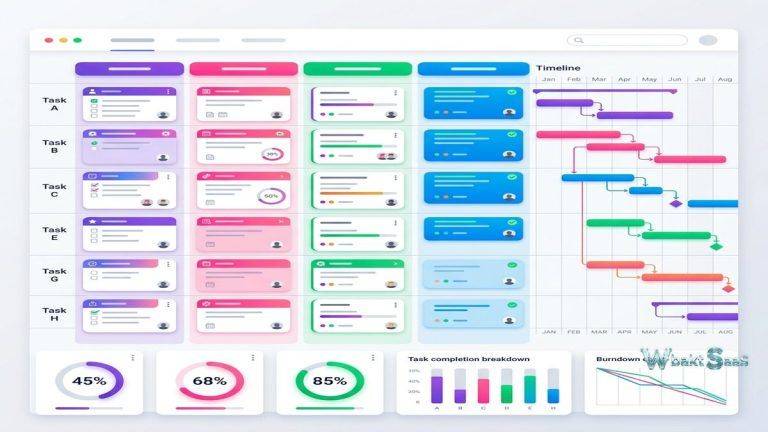
Team features in Todoist are intentionally simpler than what dedicated project management platforms provide. There are no Gantt charts, no resource management views, no complex dependency chains, and no portfolio-level reporting. Todoist targets teams that need shared task lists with clear ownership and deadlines rather than comprehensive project management infrastructure. Small teams, departmental sub-groups, or project pairs often find this level of collaboration sufficient, while larger teams with complex coordination needs typically require more structured platforms.
Productivity Tracking
Todoist includes built-in productivity tracking through its Karma system and goal-setting features. Karma scores increase when users complete tasks and maintain streaks of daily and weekly task completion. Daily and weekly goals — configurable by the user — establish targets for how many tasks to complete each day and week. Streaks track consecutive days of meeting these targets, adding a gamification element that motivates consistent engagement with the task management system.
Productivity visualization displays completion trends over time through charts and statistics. Users can review how many tasks they complete per day, week, or month; see completion patterns by project; and identify which days tend to be most and least productive. While these analytics are simpler than what dedicated time-tracking or productivity-analysis tools provide, they offer enough data for self-reflection on work habits and output patterns.
The completed tasks archive maintains a full history of every task that has been checked off, searchable and filterable. This serves as both a personal accomplishment log and a reference for recurring tasks — users can review what they did last quarter, check when they last completed a particular recurring responsibility, or simply take satisfaction in seeing the volume of work they have processed.
Integrations
Todoist integrates with a focused selection of productivity-relevant tools. Google Calendar and Outlook synchronization displays Todoist tasks alongside calendar events, providing a unified view of commitments and deadlines. Slack integration allows task creation from messages and Todoist notification delivery to channels. IFTTT and Zapier connections enable automated task creation from hundreds of trigger sources — new emails, calendar events, form submissions, or social media mentions.
Voice assistant integration with Google Assistant, Amazon Alexa, and Apple Siri enables hands-free task capture. “Hey Google, add buy groceries to my Todoist” creates a task without touching a device. For users who capture tasks throughout the day in various contexts — driving, cooking, exercising — voice input provides a capture method that text-based input cannot match.
Developer-focused integrations connect Todoist with GitHub, enabling automatic task creation from issues or pull request events. The Todoist API provides full programmatic access for custom integrations, and a growing ecosystem of third-party applications connects Todoist to specialized workflow tools.
Pricing
Todoist’s free tier offers core task management with up to 5 active Projects, basic filters, and 3-day activity history. The free tier is genuinely functional for individual users with modest organizational needs. Paid plans unlock unlimited Projects, reminders, filters, labels, comments, file uploads, activity history, and additional features like calendar layout and task duration tracking. A business plan adds team workspace features, admin controls, team billing, and shared workspace management.
Pricing is competitive within the task management category, positioned below full project management platforms. The per-user, per-month model with annual discounts follows industry standard practice.
Pricing and features are subject to change. Please verify current plan details on the official Todoist website before making purchasing decisions.
Limitations
- Not a project management tool: Teams needing Gantt charts, resource planning, complex dependencies, or portfolio management should look to dedicated platforms — Todoist is designed for task management, not comprehensive project coordination.
- Limited free tier: The 5-project limit on free plans restricts users who organize tasks across many areas of life or work. Active users typically need a paid plan relatively quickly.
- Basic collaboration: Team features lack the depth that growing teams need — no workload views, no time tracking, no advanced reporting, and no permission granularity beyond basic sharing.
- No offline editing on web: While mobile apps support offline access, the web version requires connectivity. Users who work primarily in browsers without reliable internet may experience friction.
- Minimal customization: The interface offers limited visual customization compared to platforms that allow custom themes, layouts, and extensive configuration options.
Best For
Todoist is best suited for individuals and small teams who need reliable, fast, cross-platform task management without the overhead of learning and configuring a complex project management platform. Professionals managing personal and work tasks in a unified system, freelancers tracking client deliverables, students organizing academic and personal responsibilities, and small teams needing shared task lists with clear ownership represent the core audience that Todoist serves exceptionally well.
The platform’s strength is in daily task management — the ongoing process of capturing what needs to be done, organizing it, and working through it systematically. Users who have tried more complex tools and found themselves spending more time configuring the tool than using it often find that Todoist’s focused approach restores the simplicity that makes task management sustainable over the long term.
Summary
Todoist succeeds by excelling at its core mission: making personal and small-team task management fast, reliable, and available everywhere. Natural language input, powerful filtering, cross-platform synchronization, and thoughtful productivity tracking features create a task management experience that respects users’ time while providing enough organizational depth to handle complex personal and professional workflows.
Task management tools such as Todoist, Microsoft To Do, TickTick, Any.do, and Things each approach personal productivity from different angles. Todoist’s balance of simplicity, cross-platform availability, and organizational flexibility positions it as a strong choice for users who want a dedicated task manager rather than a subset of features within a larger platform. For teams evaluating whether Todoist meets their needs, the free tier provides a risk-free starting point for hands-on evaluation.
Features, pricing, and availability discussed in this review reflect information available at the time of writing. Software products evolve continuously, and details may have changed since publication. Please verify current information directly on the official Todoist website. WBAKT SaaS is an independent review platform with no affiliate relationships with any software company mentioned in this article.
For related productivity tools, see our reviews of Notion vs Coda workspace platforms, Evernote digital organization, and ClickUp’s all-in-one workspace.
About the Author