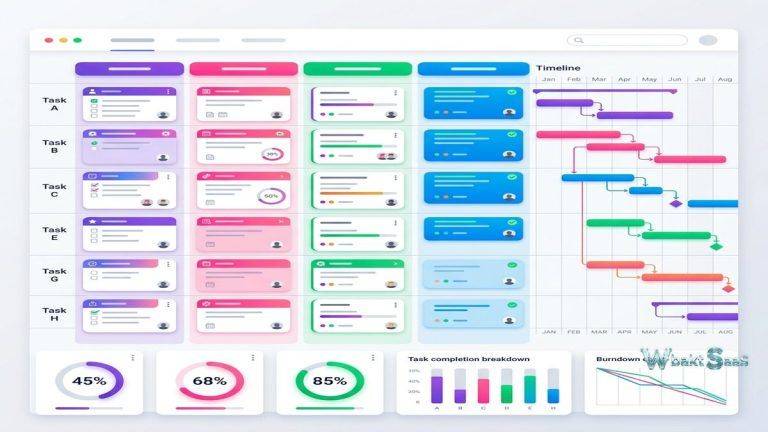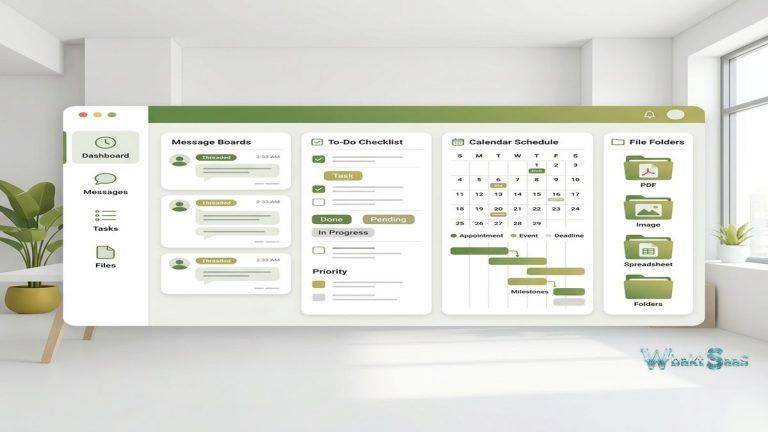
Software development teams have a complicated relationship with project management tools. Most developers have experienced the frustration of issue trackers that are slow to load, tedious to update, and designed more for managerial reporting than for the people actually building the software. The result is predictable: developers avoid the tool, data becomes stale, and the project management system provides an inaccurate picture of reality that benefits no one. Linear was created specifically to address this disconnect — building an issue tracking and project management tool that developers actually want to use, with an interface that feels as responsive as the code editors developers spend their days in.
Founded in 2019 by former engineering leaders, Linear approaches software project management with strong opinions about how engineering teams should work. The platform prioritizes speed, keyboard-first navigation, opinionated workflows, and aesthetic polish — characteristics that distinguish it from older, more configurable alternatives. This opinionated approach means Linear works exceptionally well for teams that align with its workflow assumptions and less well for teams with established processes that differ from Linear’s prescribed patterns.
Core Concepts
Linear organizes work through a hierarchy of Workspaces, Teams, Projects, Cycles, and Issues. A Workspace represents the entire organization. Teams are groups aligned to engineering squads, product areas, or functional groups. Projects span multiple teams and track larger initiatives toward completion. Cycles provide time-boxed iteration periods (similar to sprints). Issues are individual units of work — bugs, features, tasks, and improvements — that comprise the daily work of software development.
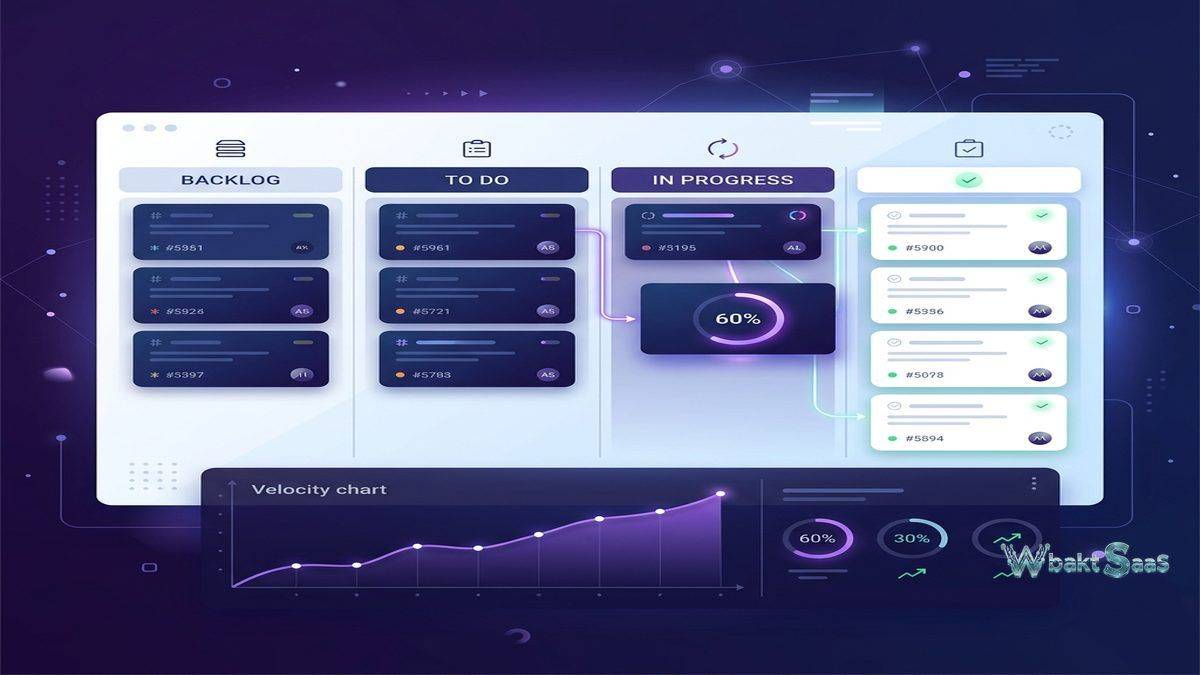
Issues in Linear carry properties including status (Backlog, Todo, In Progress, Done, Cancelled), priority (Urgent, High, Medium, Low, No Priority), assignee, labels, estimates, due dates, and parent/sub-issue relationships. The status workflow follows a linear progression (hence the name) that moves issues from left to right through defined stages, providing clear visibility into where every piece of work stands at any moment.
Sub-issues break large work items into smaller executable tasks. A feature issue might contain sub-issues for “Design review,” “Backend API implementation,” “Frontend UI implementation,” “Testing,” and “Documentation.” Each sub-issue tracks independently with its own status, assignee, and priority, while the parent issue provides an aggregate view of the feature’s overall progress. This hierarchical structure balances the need for granular task tracking with high-level feature visibility.
Speed and Interface Design
Linear’s most frequently praised characteristic is its speed. The application loads instantly, navigations between views are imperceptible, and interactions feel immediate. This performance is not accidental — Linear uses local-first data synchronization, meaning the application maintains a local copy of workspace data that updates synchronously with the server. When a user creates an issue, changes a status, or navigates between views, the application responds from local data while synchronizing changes in the background.
Keyboard shortcuts cover virtually every action in the application. Issue creation, status changes, assignment, priority adjustment, navigation between views, search, and command palette access all operate from the keyboard without requiring mouse interaction. The command palette (activated with Cmd/Ctrl+K) provides fuzzy-search access to any action, view, or issue in the workspace, enabling rapid navigation that matches the keyboard-driven workflow developers use in their code editors and terminal environments.
The visual design maintains a clean, minimal aesthetic with thoughtful animation and typography. This design investment may seem superficial, but it serves a practical purpose: tools that feel premium and responsive receive more consistent use from team members, which means the project management data stays accurate. Linear’s bet is that investing in interface quality drives adoption, which drives data quality, which drives the management insights that ultimately justify the tool’s existence.
Cycles
Cycles provide time-boxed iteration periods — typically one or two weeks — that organize work into manageable chunks. Each cycle contains a defined set of issues that the team commits to completing within the cycle duration. The cycle view shows progress toward cycle completion, highlighting scope changes (issues added or removed after the cycle began) and velocity trends across historical cycles.
Cycle automation features include automatic issue scheduling that moves unfinished cycle issues to the next cycle, configurable cycle start days, and cooldown periods between cycles for planning and retrospection. The cycle board view displays issues organized by status within the current cycle, while the cycle timeline view shows issue progress across the cycle’s duration.
Historical cycle data builds velocity metrics over time, helping teams understand their throughput capacity and improve estimation accuracy. Burndown and burnup charts visualize cycle progress, revealing whether the team is on track to complete committed work or whether scope adjustments are needed. Cycle reports summarize completed, incomplete, and cancelled issues alongside scope change metrics, providing retrospective data that helps teams calibrate their capacity planning for future cycles. Teams that consistently track cycle metrics over multiple iterations develop increasingly accurate estimates, reducing the planning uncertainty that plagues software development projects.
Projects and Roadmaps
Projects in Linear represent larger initiatives that span multiple cycles and potentially multiple teams. A “Mobile App Redesign” project might include issues across iOS, Android, Design, and Backend teams, tracking the initiative’s overall progress while individual issues remain organized within their respective team backlogs. Project progress displays as a percentage based on completed versus total issues, with timeline visualization showing the project’s planned duration and current trajectory.
Roadmaps provide strategic-level visibility across multiple projects, displaying planned and in-progress initiatives on a timeline. Product managers and engineering leaders use roadmaps to communicate upcoming work to stakeholders, visualize resource allocation across initiatives, and identify scheduling conflicts between projects competing for the same team’s capacity. The roadmap view intentionally provides less granular detail than individual project or cycle views, serving the strategic planning audience that needs direction awareness rather than implementation specifics.
Project updates enable regular progress communication. Project leads post updates with status assessments (on track, at risk, off track), narrative descriptions of progress and blockers, and automatically calculated metrics. These updates create a communication cadence that keeps stakeholders informed without requiring them to navigate into individual issues to understand project health.
Triage and Intake
Linear’s triage system provides a structured intake process for new issues — bug reports, feature requests, customer feedback — that arrive from various sources before being prioritized and assigned to teams. Triage issues exist in an inbox-like state where they can be reviewed, categorized, prioritized, and either accepted into team backlogs or declined with explanations.
This triage model prevents the common problem of new issues landing directly in team backlogs without review, which leads to backlog bloat and unprioritized work accumulating faster than teams can process it. The intentional review step ensures that every issue entering a team’s backlog has been assessed for validity, priority, and appropriate team assignment.
Integration with customer feedback tools, support platforms, and internal reporting systems channels external input through the triage process, creating a single entry point for all new work requests regardless of their source. This consolidation prevents the fragmentation that occurs when feature requests arrive through email, Slack, support tickets, and direct conversations without centralized tracking.
Integrations
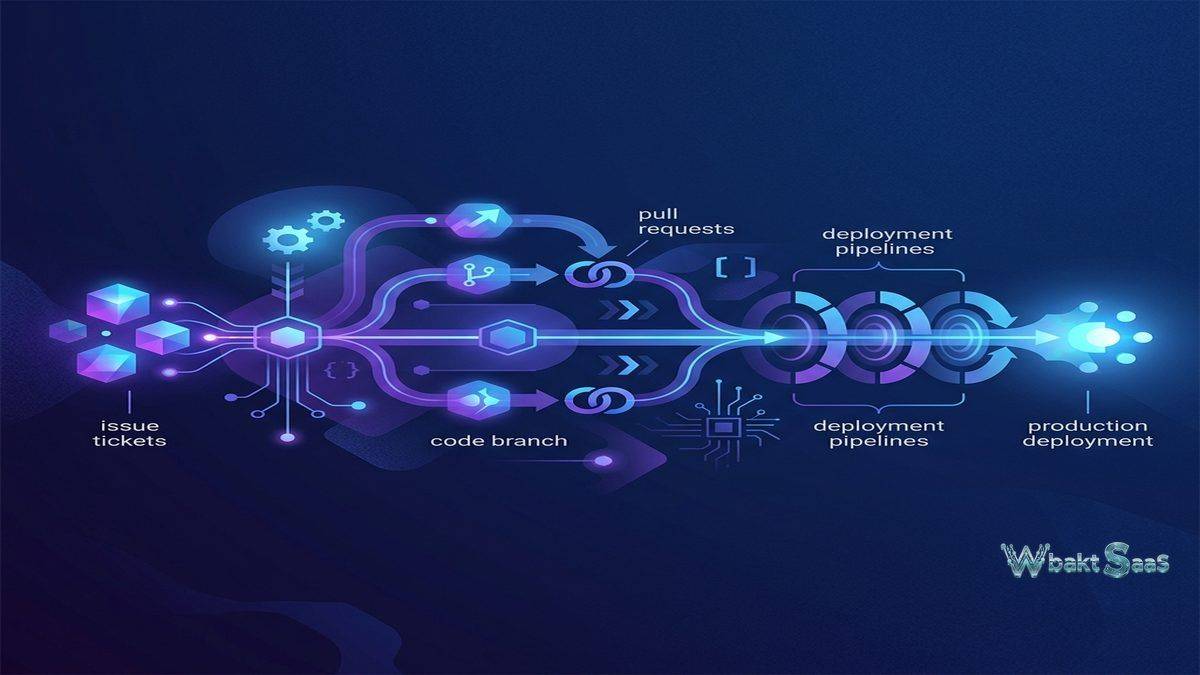
Linear integrates with the tools that software development teams use daily. GitHub and GitLab integrations connect issues to code — pull requests link to issues, branch names auto-generate from issue identifiers, and PR merges can automatically move issues to “Done” status. Slack integration sends notifications to channels and allows issue creation from Slack messages. Figma integration connects design files to issues. Sentry and other error monitoring tools create issues automatically from production errors.
The Linear API provides comprehensive programmatic access, enabling custom integrations, data exports, and automated workflows that extend beyond the platform’s built-in capabilities. Webhook support triggers external actions when Linear events occur — issue creation, status changes, cycle completion — connecting Linear to any system capable of receiving HTTP requests.
Zapier and other automation platform integrations bridge Linear with hundreds of additional applications, enabling workflow automation across the broader tool ecosystem without requiring custom development. Common automation patterns include creating Linear issues from form submissions, synchronizing Linear status with external project tracking tools, and posting issue updates to communication channels.
Views and Filters
Linear provides flexible view configurations for examining issues from different perspectives. The Board view displays issues organized by status in columns, similar to Kanban boards. The List view provides a compact, spreadsheet-like display suitable for rapid scanning across many issues. The Timeline view plots issues along a temporal axis, revealing scheduling relationships and deadline concentrations.
Custom views combine filters, grouping, and sorting to create saved perspectives tailored to specific needs. A “My Urgent Issues” view might filter for issues assigned to the current user with High or Urgent priority. A “Blocked Issues” view might show issues labeled as blocked across all teams. A “Customer-Reported Bugs” view might filter for issues with specific labels from support integration sources. These custom views provide immediate access to the specific issue subsets that different roles need to monitor regularly.
Filtering supports all issue properties — status, priority, assignee, label, project, cycle, creator, creation date, update date, estimate, and custom properties — with AND/OR logic combinations. Saved filters persist across sessions and can be shared with team members, creating standardized views that align team attention on consistent issue subsets.
Security and Administration
Linear provides enterprise security features including SAML-based single sign-on, SCIM-based user provisioning and deprovisioning, audit logging, and IP restriction policies. Data encryption covers content in transit and at rest. SOC 2 Type II certification validates the platform’s security controls for organizations with vendor security requirements.
Workspace administrators manage team membership, integration permissions, security policies, and workspace-wide settings. Team-level administration controls member access, workflow configurations, and default settings for new issues. These layered administrative controls balance organizational governance with team autonomy, allowing individual teams to configure their workflows within the boundaries set by workspace administrators.
Mobile Experience
Linear’s mobile applications for iOS and Android provide issue browsing, creation, updating, and notification management on smartphones. The mobile interface preserves the speed and visual quality of the desktop experience, adapting navigation patterns for touch interaction. Push notifications alert team members to relevant issue updates, assignments, comments, and mentions, keeping distributed team members informed without requiring constant access to desktop applications.
The mobile experience supports the responsive workflow that modern software development demands — triaging a critical bug report during commute time, updating issue status during a standup meeting, or reviewing cycle progress during a planning discussion. While complex project planning and roadmap management benefit from the desktop interface’s larger viewport, day-to-day issue management functions effectively on mobile devices.
Team Collaboration
Issue comments support rich text formatting, code snippets, image attachments, and @mentions for team communication within issue context. Reactions provide lightweight acknowledgment without creating notification noise. Issue activity logs maintain comprehensive histories of all changes — status transitions, assignee changes, label additions, estimate updates — creating a transparent record of how work progressed through the development lifecycle.
Cross-team issue relationships through related issues and blocking/blocked dependencies enable coordination between teams working on interdependent features. When Team A’s issue blocks Team B’s progress, the blocking relationship creates visibility that prevents silent delays and encourages proactive communication about dependency resolution timelines.
Automation and Workflows
Linear provides built-in automation for common workflow patterns. Auto-assignment distributes new issues to team members based on configurable rules. Auto-close archiving moves old completed or cancelled issues out of active views. SLA tracking monitors response and resolution times for issues with specific labels or priorities, alerting teams when issues approach or exceed defined service level targets.
Custom workflow automations trigger actions based on issue property changes. When an issue moves to “In Progress,” an automation might assign it to the user who changed the status. When an issue’s priority is set to “Urgent,” an automation might post a notification to a specific Slack channel. These automations reduce manual housekeeping tasks and ensure consistent process adherence without requiring team members to remember procedural steps.
Pricing
Linear offers a free tier for small teams with basic issue tracking capabilities. Paid plans unlock unlimited issue history, cycles, projects, roadmaps, triage, advanced integrations, and administrative controls. Per-member pricing applies to paid plans, with monthly and annual billing options.
Pricing and features are subject to change. Please verify current plan details on the official Linear website before making purchasing decisions.
Limitations
- Software-centric design: Linear is designed specifically for software development workflows. Non-engineering teams — marketing, operations, HR — may find it too narrowly focused for their project management needs.
- Opinionated workflows: Linear prescribes specific workflow patterns. Teams with established processes that differ from Linear’s assumptions may find the platform inflexible.
- Limited customization: Compared to highly configurable alternatives, Linear intentionally limits customization options. Teams requiring custom fields, complex statuses, or unusual workflow configurations may find these constraints limiting.
- Reporting depth: While improving, Linear’s reporting and analytics capabilities are less extensive than platforms that prioritize management reporting and portfolio analytics.
- Scale considerations: Very large engineering organizations with complex cross-team dependencies may find that Linear’s simpler project model lacks the portfolio management depth of enterprise-grade alternatives.
Summary
Linear has captured significant adoption among software development teams by proving that project management tools can be fast, beautiful, and developer-friendly without sacrificing the organizational capabilities that engineering managers need. Its opinionated approach — prescribing specific workflows rather than offering unlimited customization — trades configuration flexibility for implementation speed and team alignment. Teams adopting Linear typically experience a shorter onboarding period compared to more configurable alternatives, since the platform’s prescribed workflows reduce the decision-making burden of tool setup.
For teams migrating from other issue tracking platforms, Linear provides import tools for Jira, Asana, GitHub Issues, Shortcut, and other platforms, transferring issues, comments, and metadata with mapping configurations that align source data to Linear’s structure. The migration process requires careful planning to ensure that historical issue data, workflow customizations, and integration configurations translate effectively to Linear’s model — particularly for organizations with complex Jira configurations that rely on features Linear intentionally omits.
The platform’s growth trajectory suggests strong market validation of its developer-experience-first approach, though organizations should evaluate whether Linear’s current feature set meets their specific requirements for reporting depth, portfolio management, and cross-functional team support before committing to migration from established platforms.
Issue tracking platforms such as Linear, Jira, Asana, ClickUp, Shortcut, and GitHub Projects each serve software development teams with different philosophies about the balance between flexibility and opinionation. Linear’s advantages center on speed, developer experience, and modern design sensibility. Teams evaluating issue tracking tools should consider their workflow flexibility requirements, integration needs, team size, and appetite for opinionated tooling when determining whether Linear’s approach serves their engineering organization effectively.
Features, pricing, and availability discussed in this review reflect information available at the time of writing. Software products evolve continuously, and details may have changed since publication. Please verify current information directly on the official Linear website. WBAKT SaaS is an independent review platform with no affiliate relationships with any software company mentioned in this article.
For related project management tools, see our reviews of Asana project tracking, ClickUp all-in-one workspace, and Figma design collaboration.
About the Author